What a vehicle mount computer is, and is not
A vehicle mount computer is a fixed terminal engineered for a vehicle's electrical system, vibration environment and working light. It differs from a rugged laptop in being display-first and fixed; it differs from a consumer tablet in almost everything that matters — direct wide-voltage power instead of a battery and charger, sealing instead of vents, machine interfaces (CAN, serial, Ethernet) instead of a lone USB port, and a hardware configuration held stable across a production run. Buyers who start from that definition rarely buy the wrong device, because the checklist writes itself: screen, platform, interfaces, power, sealing, positioning and mounting.
Reading a specification sheet like an integrator
Work the sheet in integration order. First the interfaces, because a terminal that cannot speak to the machine is furniture: count CAN channels, serial ports, camera inputs and Ethernet against the machine's drawing. Then power — 9-36 V with ISO 7637-II behaviour covers 12 V and 24 V fleets and the cranking dips between them. Then sealing and temperature, matched to the real workplace rather than a brochure climate. Then the platform: processor and memory sized to the software stack, and an operating system your developers can actually build for. The screen comes last and is the easiest decision: the largest size the cab mounts well and the software fills honestly.
- Interfaces first: CAN, RS232/RS485, camera, Ethernet, GPIO
- Power: 9-36 V input with ISO 7637-II behaviour for 12/24 V fleets
- Sealing: IP66 class for dust and wash-down work
- Platform: match the operating system to your existing software
- Positioning: standard GNSS for logging, RTK for repeatable guidance
- Mounting: bracket and sight lines checked in the real cab
Two reference points from the current range
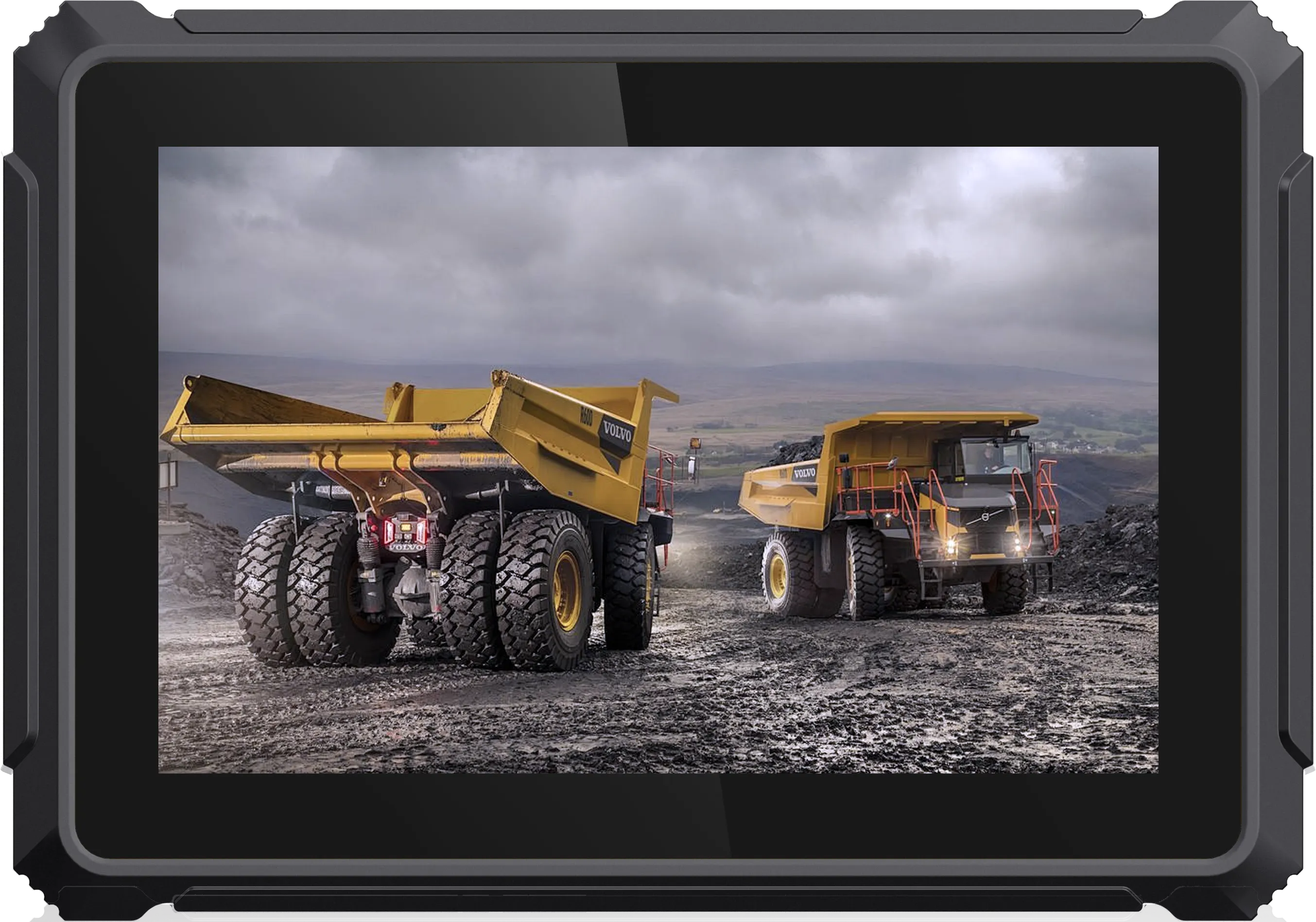
For vehicle mount computer selection, the T10B brings a 10.1" IPS, 1280 x 800, brightness 750 cd/m2 or higher, fully laminated multi-touch and runs Android 13.0, or Linux kernel 5.15 with QT 5.15 (optional) on 64-bit octa-core Cortex-A55 at 1.8 GHz, GPU ARM G57 MC1. Its positioning fit is GPS + BeiDou module (optional fit); RTK module UM982 or UB982 (optional), and the interface side reads: 26-pin function expansion port; expansion combinations in the T10 family pattern (camera, CAN, RS232, Ethernet — confirm the exact set for your build). That is why it appears in this shortlist: the combination matches the data and connections this work actually uses, in a housing specified for 9-36 V DC input (ISO 7637-II); IP66 sealing; operating temperature -20 to +70 C.
For vehicle mount computer selection, the T8 brings a 8" IPS, 1280 x 800, brightness 750 cd/m2 or higher, fully laminated multi-touch and runs Android 10.0 on 64-bit quad-core Cortex-A53 at 1.5 GHz. Its positioning fit is GPS + BeiDou module (N303-5Q); optional built-in centimetre-level RTK positioning module (module model not stated on the product page), and the interface side reads: 23-pin function expansion port; standard expansion set of 1 x camera, 1 x CAN, 1 x RS485, 1 x 100M Ethernet plus power/ACC. That is why it appears in this shortlist: the combination matches the data and connections this work actually uses, in a housing specified for 9-36 V DC input (ISO 7637-II); IP66 sealing; operating temperature -20 to +70 C; MIL-STD-810 and ISO 16750 testing.
Turning the guide into a shortlist
Write your machine's interface list and software platform on one line each; they eliminate most of any catalogue. Send the survivors' job — vehicle types, screen content, camera count and accuracy target — to the sales team, sample the leading candidate in a working vehicle, and confirm minimum order quantities and lead times before committing the fleet.
Ask about help turning this guide into a shortlist
Send your vehicle, software and interface list. The sales team replies with a configuration and price.