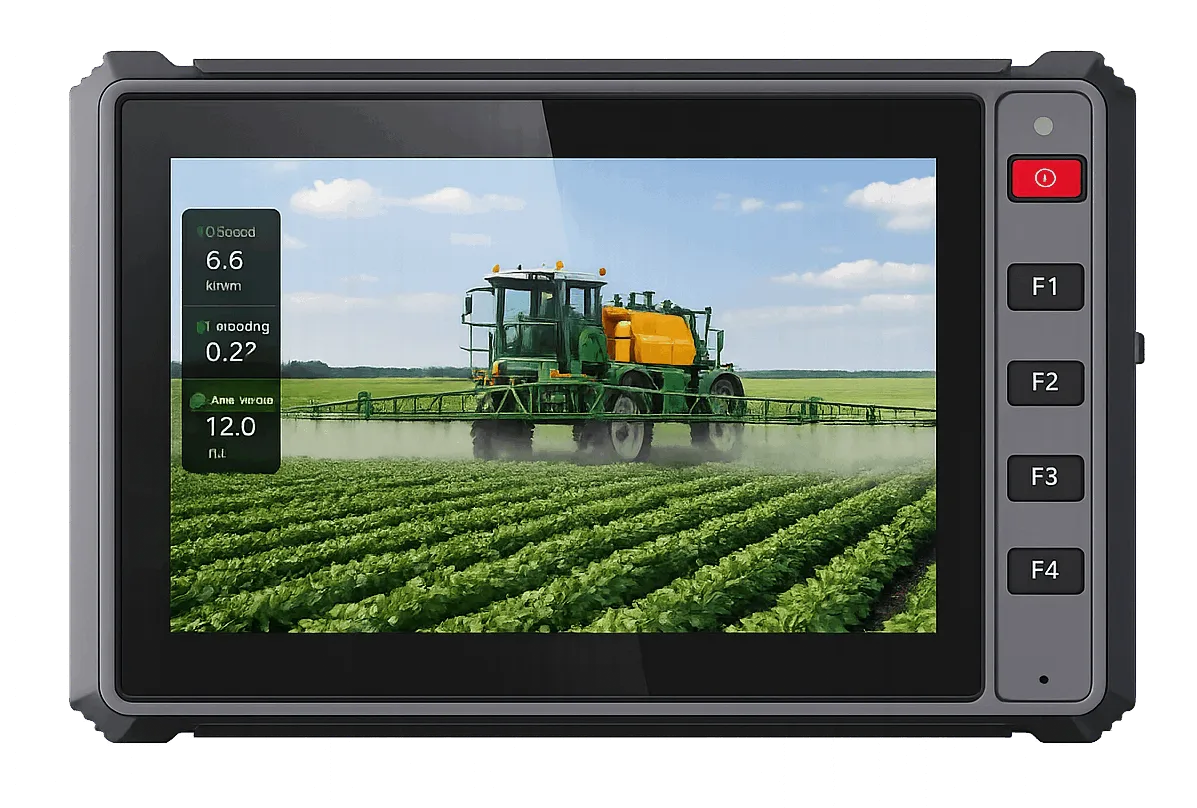
Auto-steering buyers tend to start with the screen, because the screen is what the dealer shows them. Experienced buyers start with a harder question: where will the correction data come from, on every field the tractor works? An RTK terminal is a system component, and its specification only makes sense inside the system — receiver module, correction delivery, roof antenna and steering software, all pulling together. This guide walks the decision in the order the field will test it.
The PDS range is a useful reference set for the walk, because its terminals separate the decisions cleanly: screen sizes from 7 to 12.1 inches, UNICORE RTK module options across the line, and, on the T10 Pro, a radio module for corrections where the mobile network gives up. Nothing here requires buying that range; the logic applies to any RTK terminal shortlist.
First, settle the correction source
RTK accuracy is rented from a correction source, not bought in a box. Network RTK streams corrections over the mobile network from a reference service; it is simple, needs no farm infrastructure, and fails exactly where coverage fails — valleys, remote blocks, regions where the service simply does not reach. A local base station is the other architecture: your own reference on known ground, broadcasting corrections by radio to the rover in the terminal. It costs infrastructure and earns independence.
Decide this before models, because it shapes the model list. A terminal bought for network RTK needs a solid 4G path and a subscription plan. A terminal bought for base-station work needs a radio option — in the PDS range, the T10 Pro lists a Harxon radio module in the 410-470 MHz band for exactly this job. Terminals bought without either decision tend to be re-bought with it, a season later, at full price.
Second, read the receiver line properly
The receiver module is the component marketing summaries blur and field results expose. In this range the named options are UNICORE modules — UM982 on the T7, T8 Pro and T10B/T12 class machines, UM482 or UB482 on the T10, UM482 or UM982 on the T10 Pro. What matters when you compare any maker's list is not the badge but the working set: multi-constellation tracking (GPS, BeiDou, GLONASS, Galileo), the update behaviour your steering controller expects, and honest time-to-first-fix and accuracy figures quoted for open sky, read as open-sky figures rather than promises for tree lines and buildings.
Standard GNSS in the same terminals positions to metre level for mapping and logging. That is not a defect to be fixed by a better antenna; it is the physical limit of uncorrected positioning. If a supplier implies centimetre results from a terminal with no correction path, the claim, not the physics, is what needs examining.
Third, treat the antenna as part of the terminal
Guidance accuracy is spent in three places: the satellite geometry, the correction quality, and the antenna's view of the sky. The third is the one installers control and the one most often squandered. A survey antenna belongs on the cab roof's highest practical point, clear of beacons, rails and the driver's own shadow zones, on the mounting the accessory system intends — the PDS accessory list includes a dedicated RTK GNSS survey antenna for this reason. A terminal with a fine receiver and a shadowed antenna performs like a cheap receiver, reliably, all season.
Cable routing deserves the same hour of thought. Antenna cables that cross door seals get crushed; cables run beside high-current lines invite noise; connectors left unsealed invite the harvest in. None of this appears in a specification table, and all of it appears in the second season's fault list if it is skipped at installation.
Fourth, size the screen to the cab and the software
With corrections, receiver and antenna settled, the screen is a cab-fitting exercise. Compact tractors with a single guidance screen work well at 7 inches — the T7 adds five physical front keys, which drivers use constantly with gloves. Implement-heavy work, where the terminal also runs the seeding or spraying controller, belongs at 10 inches. Large cabs that split guidance and camera views belong at 12.1. The wrong size fails in both directions: too small crowds the software into zooming and swapping; too large eats sight lines and mounting options.
Software platform closes the decision. Steering packages ship on Android, on Linux, or on both; the T-series here offers Android across its models and Linux builds on the T7, T10, T10B and T12. Match the terminal to the package you will actually run, sample it on your own tractor across a real field, and let one pass-to-pass test in your conditions outweigh any brochure — including this one.
The mistakes this decision punishes most
The costliest auto-steering mistake is buying the terminal and the correction service from different conversations. A terminal whose radio option was never ordered cannot join a base-station network; a correction subscription bought for a region the farm is leaving is money parked in the wrong field. The second mistake is treating the demo as the test: a steering system demonstrated on the dealer's flat, open test plot has passed none of your conditions. Your test is your worst field, your oldest tractor and your least patient driver, in that order. The third is skipping the antenna hour — the survey antenna lashed to a mirror arm to save time will tax every pass the system ever makes, quietly, in centimetres nobody can find later.
Run the decision as a checklist and it collapses to an afternoon: correction source chosen and priced; receiver module named, with its constellations and open-sky figures read properly; antenna position and cable route walked on the actual tractor; screen sized by the cardboard test in the actual cab; software platform matched to the steering package; and a sample booked for a pass-to-pass trial in your own field. Buyers who complete that list before signing rarely revisit the purchase. Buyers who skip it usually revisit the purchase itself, at retail, in season, with a field half-planted — the most expensive classroom in agriculture.
Finally, write the chosen configuration down as a system, not as a terminal model: receiver module, correction source and its subscription or base hardware, antenna and its mounting position, operating system build, and the steering package it must satisfy. That one page is what the quotation should price and what the sample should be built to. Auto-steering rewards buyers who specify systems and punishes buyers who specify screens, and the difference shows up in the first field, on the first pass, in front of the driver who has to trust the line.
Key takeaways: Choosing an RTK terminal for auto steering
- Choose the correction source before the terminal model
- Read receiver figures as open-sky figures
- Give the antenna its hour: highest point, open sky, sane cable route
- Size the screen in the cab with cardboard, not from a photo
- Let one field trial on your own tractor outweigh every brochure
Keep reading after: Choosing an RTK terminal for auto steering
Ask about an RTK terminal setup for your tractors
Send your vehicle, software and interface list. The sales team replies with a configuration and price.